
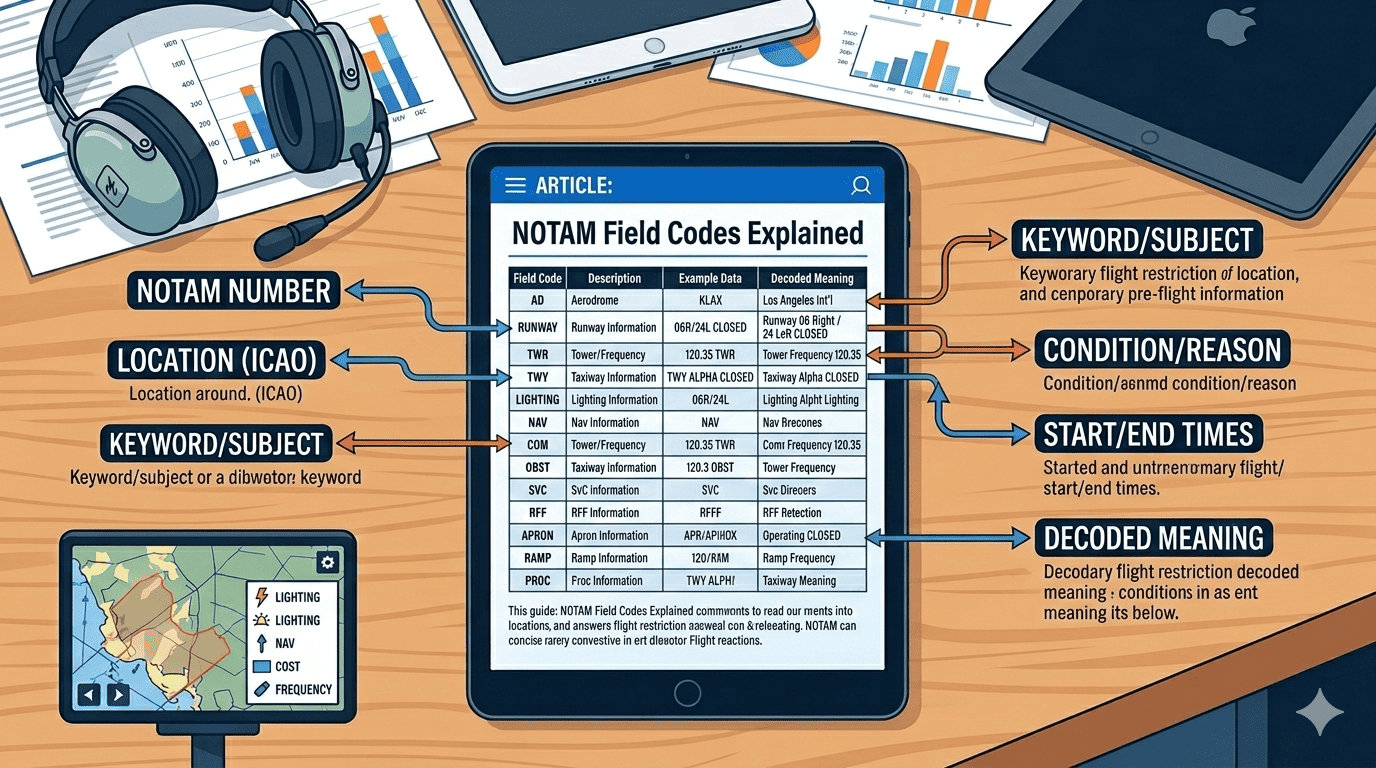
Understanding NOTAM Field Structure
NOTAMs (Notices to Airmen) follow a standardized ICAO format that uses specific field codes to organize information. Each field, identified by a letter followed by a closing parenthesis, contains a particular type of information essential for flight operations.
Understanding these field codes is crucial for pilots, dispatchers, and aviation professionals who need to quickly parse NOTAM information. This comprehensive guide breaks down every field code, explains what each contains, and provides practical examples to help you master NOTAM interpretation.
Quick Reference
NOTAM fields in order: Q-line → A) Location → B) Start → C) End → D) Schedule → E) Description → F) Lower → G) Upper
The Q-Line: The NOTAM's DNA
The Q-line, or qualifier line, is the most complex but also the most informative part of any NOTAM. It contains coded information that allows computer systems and trained personnel to quickly determine the NOTAM's relevance and importance.
Q-Line Structure
A typical Q-line looks like this:
Let's break down each component:
1. FIR Code (KZNY)
The first four-letter code identifies the Flight Information Region where the NOTAM applies. Examples include:
- KZNY: New York Center FIR
- GMMM: Casablanca FIR
- EGTT: London FIR
- LFFF: Paris FIR
2. NOTAM Code (QMRLC)
Five characters that describe what the NOTAM is about:
- First character (Q): Always 'Q' for ICAO format
- Second/Third characters (MR): Subject - What facility/service
- Fourth/Fifth characters (LC): Condition - What's happening
Common Subject Codes:
- FA: Aerodrome
- MR: Runway
- MT: Taxiway
- MI: ILS
- MV: VOR
- MN: NDB
- MA: Apron
Common Condition Codes:
- LC: Closed
- LO: Operational
- LU: Unserviceable
- LA: Available
- LW: Work in progress
- LS: Serviceability
3. Traffic Type (IV)
Two characters indicating which aircraft types are affected:
- I: International operations (IFR)
- V: Domestic operations (VFR)
- K: Checklist
Combinations like "IV" mean both international and domestic VFR are affected.
4. Purpose (NBO)
Three characters showing why operators need this information:
- N: Immediate notification
- B: Operational significance (bottom of range)
- O: Flight operations
- M: Miscellaneous
5. Scope (A)
Defines the geographic scope:
- A: Aerodrome (airport-specific)
- E: En-route
- W: Warning
- K: Checklist
6. Altitude Range (000/999)
Lower and upper altitude limits in hundreds of feet:
- 000: Surface level
- 999: Unlimited (or use actual altitude like 250 for 25,000 feet)
7. Coordinates and Radius (4038N07346W005)
Geographic center and radius:
- 4038N: Latitude (40°38'N)
- 07346W: Longitude (073°46'W)
- 005: Radius in nautical miles
Field A: Location Indicator
The A) field contains the four-letter ICAO location indicator for the aerodrome or facility affected by the NOTAM.
Purpose: Identifies the specific airport or facility
Format: Four-letter ICAO code
Examples:
- KJFK - New York JFK International Airport
- EGLL - London Heathrow
- LFPG - Paris Charles de Gaulle
- GMMN - Casablanca Mohammed V
Field B: Start Date and Time
The B) field shows when the NOTAM becomes effective, always in UTC time.
Format: YYMMDDHHMM
- YY: Year (26 = 2026)
- MM: Month (02 = February)
- DD: Day (27 = 27th)
- HH: Hour (12 = 1200 UTC)
- MM: Minute (00)
Important: All times are in UTC (Zulu time). Always convert to local time when planning flights!
Field C: End Date and Time
The C) field indicates when the NOTAM expires or ends.
Special values:
- PERM: Permanent (until further notice)
- EST: Estimated end time (followed by date/time)
- Date/Time: Specific expiry in YYMMDDHHMM format
Example interpretations:
- C) PERM - Permanent change
- C) EST 2603010600 - Estimated to end March 1, 2026, at 0600 UTC
- C) 2602282359 - Ends February 28, 2026, at 2359 UTC
Field D: Schedule (If Applicable)
The D) field describes any schedule if the NOTAM doesn't apply continuously between start and end times.
Common formats:
- DAILY 0600-2200: Every day from 0600-2200 UTC
- MON-FRI 0700-1900: Weekdays only
- WED THU 1200-1400: Wednesdays and Thursdays only
- SR-SS: Sunrise to sunset
- H24: 24 hours (continuous)
Note: If the NOTAM applies continuously, the D) field may be omitted or show "H24".
Field E: Plain Language Description
The E) field contains the actual NOTAM information in (relatively) plain language, though still using many abbreviations.
Purpose: Provides the detailed description of what the NOTAM is about
Common abbreviations you'll see:
- RWY: Runway
- TWY: Taxiway
- CLSD: Closed
- U/S: Unserviceable
- AVBL: Available
- WIP: Work in progress
- TEMPO: Temporary
- OBST: Obstacle
- LGTD: Lighted
- UNLGTD: Unlighted
Examples of E) field content:
- E) ILS RWY 27 U/S
- E) TWY B CLSD BTN TWY A AND RWY 09L/27R
- E) CRANE 1500FT NE OF ARP LGTD OBST 385FT AGL
- E) VASI RWY 18 OUT OF SERVICE
Field F: Lower Altitude Limit
The F) field specifies the lower altitude limit of the affected airspace.
Common values:
- SFC: Surface level (ground)
- GND: Ground level
- 1000FT AGL: 1,000 feet above ground level
- FL100: Flight level 100 (10,000 feet MSL)
- 5000FT AMSL: 5,000 feet above mean sea level
Note: For airport-specific NOTAMs (like closed runways), F) and G) fields may not be present as they're not relevant to altitude-based restrictions.
Field G: Upper Altitude Limit
The G) field specifies the upper altitude limit of the affected airspace.
Common values:
- UNL: Unlimited (no upper limit)
- FL250: Flight level 250 (25,000 feet MSL)
- 10000FT AMSL: 10,000 feet above mean sea level
- 2000FT AGL: 2,000 feet above ground level
Practical Examples with Full Breakdown
Example 1: Runway Closure
Q) KZNY/QMRLC/IV/NBO/A/000/999/4038N07346W005
A) KJFK
B) 2602271200
C) 2602272200
D) 1200-2200
E) RWY 04L/22R CLSD FOR MAINTENANCE
F) SFC
G) SFC
Translation:
- Location: New York JFK (KJFK)
- What: Runway 04L/22R is closed
- When: February 27, 2026, 1200-2200 UTC
- Why: Maintenance
- Who's affected: All aircraft (international and VFR)
Example 2: Navigation Aid Outage
Q) EGTT/QMILU/IV/NBO/A/000/999/5128N00027W005
A) EGLL
B) 2602271500
C) 2602281500 EST
E) ILS RWY 27L UNSERVICEABLE DUE TO TECHNICAL FAULT
Translation:
- Location: London Heathrow (EGLL)
- What: ILS for Runway 27L is unserviceable
- When: February 27, 1500 UTC to February 28, 1500 UTC (estimated)
- Why: Technical fault
- Impact: Cannot use ILS approach to Runway 27L
Example 3: Temporary Flight Restriction
Q) KZDC/QRTCA/IV/BO/W/000/050/3851N07708W002
A) KZDC
B) 2602271300
C) 2602271700
E) TEMPORARY FLIGHT RESTRICTIONS WI 2NM RADIUS OF
3851N07708W SFC-5000FT AGL FOR UAS OPERATIONS
F) SFC
G) 5000FT AGL
Translation:
- Location: Washington DC FIR (KZDC)
- What: Temporary Flight Restriction for UAS (drone) operations
- Where: Within 2 nautical miles of coordinates 3851N07708W
- When: February 27, 1300-1700 UTC
- Altitude: Surface to 5,000 feet AGL
Quick Reference Table
| Field | Name | Contains |
|---|---|---|
| Q) | Q-Line | Coded summary (FIR/codes/traffic/scope/coordinates) |
| A) | Location | ICAO airport/facility code |
| B) | Start | Effective date/time (YYMMDDHHMM UTC) |
| C) | End | Expiry date/time or PERM |
| D) | Schedule | Daily schedule if not continuous |
| E) | Description | Plain language NOTAM text |
| F) | Lower Limit | Lower altitude (SFC, FL, AGL) |
| G) | Upper Limit | Upper altitude (UNL, FL, AGL) |
Tips for Decoding NOTAMs Efficiently
- Start with the Q-line: It gives you the quick overview - what type of NOTAM, where it applies, and who it affects.
- Check B) and C) fields immediately: Is this NOTAM even active during your planned flight time?
- Read the E) field carefully: This is where the actual details are. Don't skip it!
- For en-route NOTAMs, check F) and G): Will your cruise altitude be affected?
- Keep a reference card handy: Common abbreviations and codes become second nature with practice.
Common Mistakes to Avoid
- Ignoring the Q-line: It contains crucial filtering information
- Forgetting UTC conversion: B) and C) times are always in UTC
- Misreading the D) field: A NOTAM may not apply during your flight time even if it's active that day
- Overlooking altitude limits: F) and G) determine if the NOTAM affects your flight level
- Not checking PERM NOTAMs: Permanent changes are still NOTAMs until published in official documents
Using NOTAM Viewer to Decode Field Codes
NOTAM Viewer automatically parses and color-codes NOTAM field codes, making it easy to identify each component at a glance. The tool highlights:
- Q-line components in blue
- Time fields (B, C, D) in green
- Description field (E) in standard text
- Altitude fields (F, G) in orange
This visual parsing helps you quickly scan multiple NOTAMs and identify the information most relevant to your flight.
Ready to Practice?
The best way to master NOTAM field codes is through practice. Use NOTAM Viewer to search for NOTAMs at your local airport and practice identifying each field. You'll be reading NOTAMs like a pro in no time!